Installation
Install the required packages using your preferred package manager:Requires LangSmith Python SDK version
langsmith>=0.4.26 for optimal OpenTelemetry support.Setup
1. Configure environment variables
Set your LangSmith API key and project name:2. Configure OpenTelemetry integration
In your Google ADK application, import and configure the LangSmith OpenTelemetry integration. This will automatically instrument Google ADK spans for OpenTelemetry.You do not need to set any OpenTelemetry environment variables or configure exporters manually—
configure() handles everything automatically.3. Create and run your ADK agent
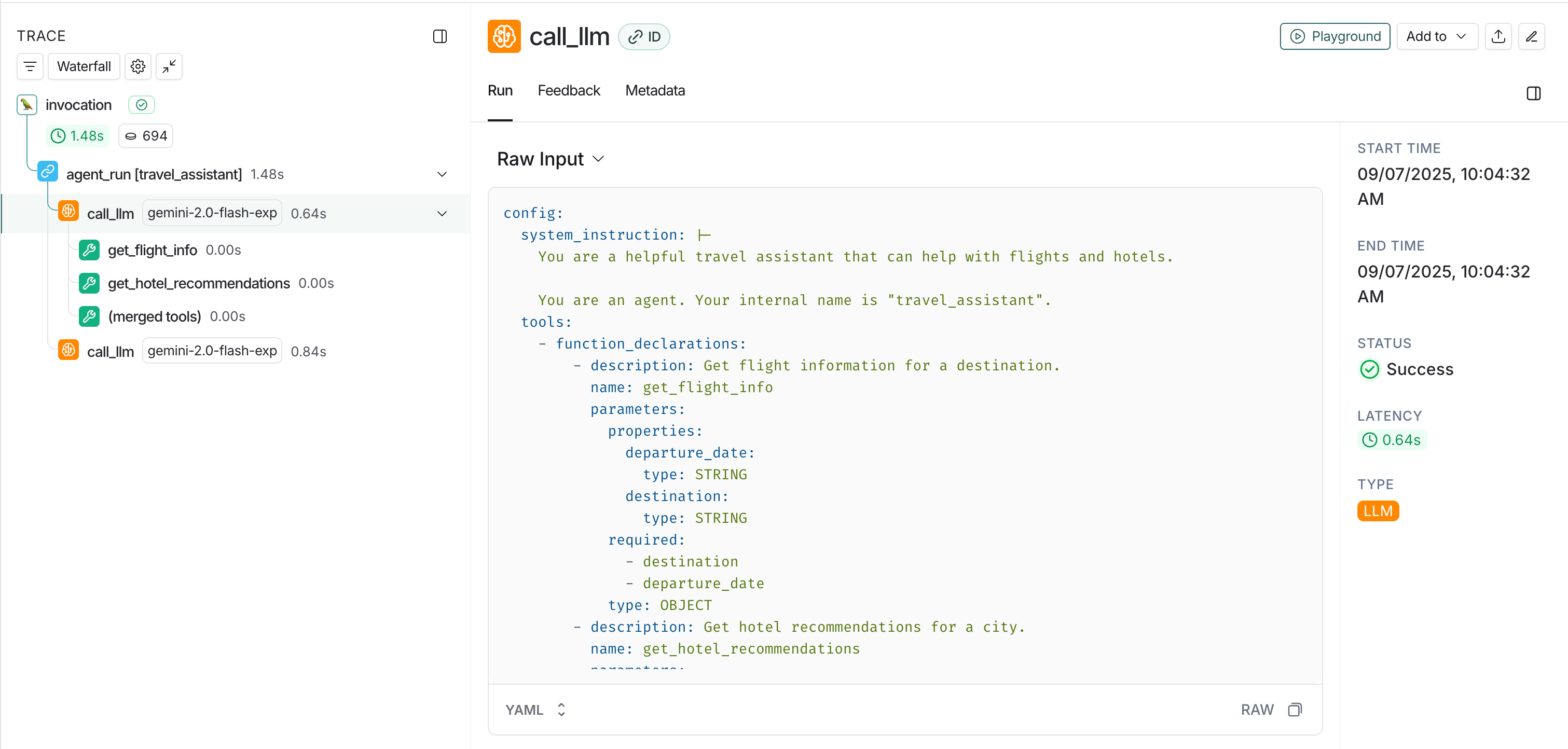
Once configured, your Google ADK application will automatically send traces to LangSmith: This example includes a minimal app that sets up an agent, session, and runner, then sends a message and streams events.View traces in LangSmith
- Agent conversations: Complete conversation flows between users and your ADK agents.
- Tool calls: Individual function calls made by your agents.
- Model interactions: LLM requests and responses using Gemini models.
- Session information: User and session context for organizing related traces.
- Model interactions: LLM requests and responses using Gemini models